

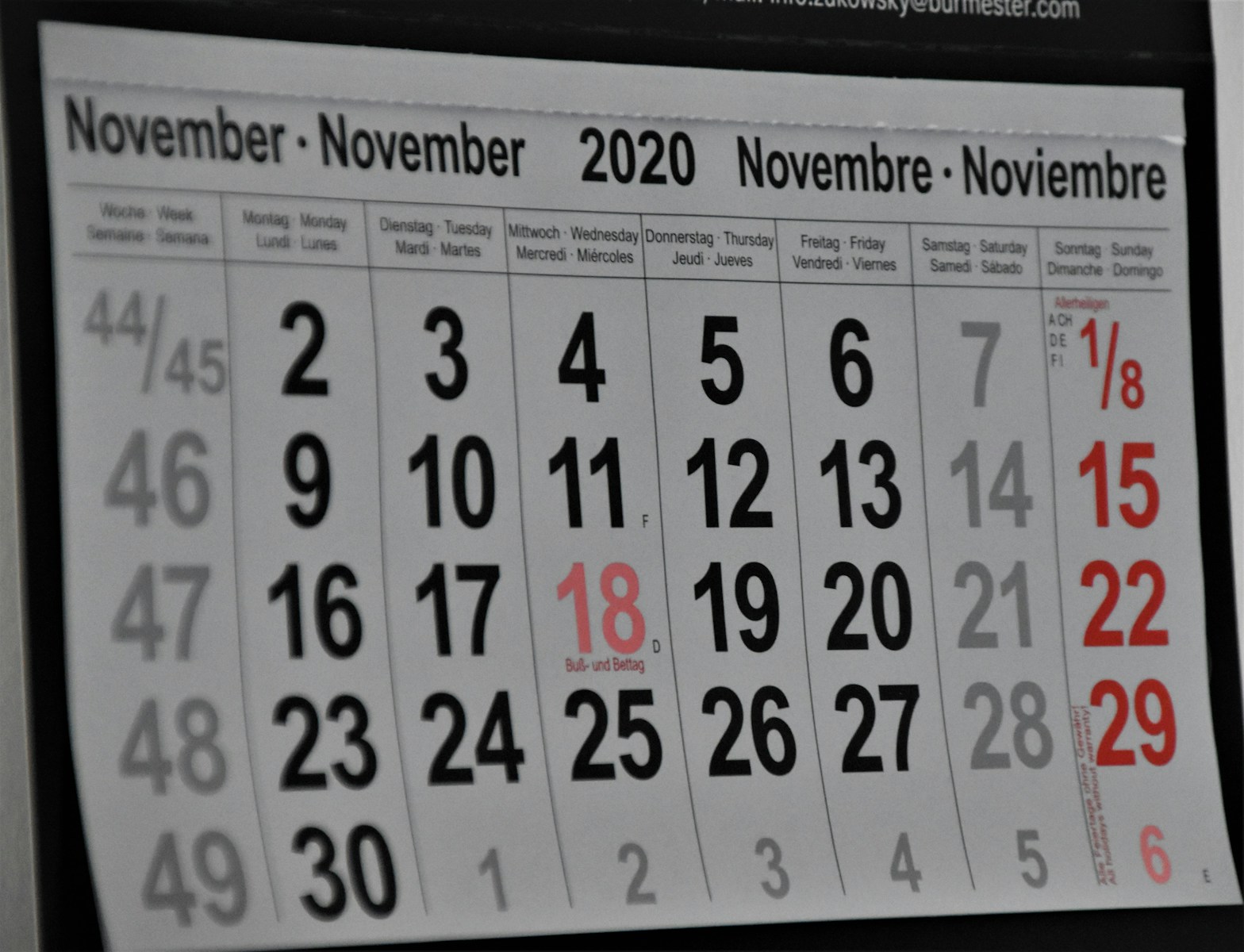

Breaking down content calendars
A content calendar is your ultimate planning tool when dealing with multiple projects. It’s like a roadmap for your creations, pointing where to go and when to finish. Without it, you can find yourself lost in the wilderness of tasks. So, let’s discover the top beginner-friendly content calendar templates you can use on platforms like Monday.com, ClickUp, Asana, Airtable, and Google Sheets.
Exploring Monday.com’s versatile templates
Monday.com is a platform loved by many for its flexibility. Its content calendar templates are easy to adapt no matter your project type. You can see an overview in neat blocks of color or dive into task details with one click. You can even automate reminders to make sure you don’t miss a beat. It’s a must-have tool for beginners keen on staying organized and efficient.
Unveiling ClickUp’s productive features
Getting your feet wet in project management? Check out ClickUp. Its content calendar templates are user-friendly and versatile. You can sort tasks by priority, deadline, or team members depending on what works best for you. Even better, their calendars integrate smoothly with other tools like Google Calendar. So, you can keep all your schedules in one place.
Asana’s simplified task management
Asana takes simplicity to a new level with their content calendar templates. The unique dashboard allows you to have a bird’s eye view of all your projects. You’ll see progress, deadlines, and who’s in charge of what. It helps you keep tabs and stay on top of things. Asana also lets you assign tasks straight from the calendar. That’s one less thing to worry about.
Airtable’s modern approach to scheduling
Airtable turns traditional calendars on their head. It combines the best of spreadsheets and databases for a refreshing take on project management. Its content calendar templates are intuitive, giving you the tools to schedule, track progress, and adjust tasks on the go. Plus, Airtable’s colorful grid makes it visually easy to scan your schedule.
Google Sheets for a straightforward setup
Google Sheets may sound like an odd pick, but it’s worth considering. Its straightforward design and compatibility make it a great starter option. You can customize your calendar with colors, fonts, and more, so it feels like your own. Google Sheets also allows you to share your calendar with your team in one click.
The all-inclusive round up
Each platform has its own charm. Monday.com excels in dynamic task management. ClickUp shines with its intuitive features. Asana offers utmost simplicity, while Airtable comes with a unique visual touch. Google Sheets stands out for its accessibility and ease. Whether you are a newbie or a pro, these are some of the best content calendar templates to stay ahead in the game.
Remember, the right content calendar can become your best friend. It helps manage your workload, meet deadlines, and coordinate with your team. What’s important is choosing the one that best fits your style and needs. So, take a spin with these templates and discover how much easier planning could be. Keep creating, keep planning, and most of all, keep succeeding!